Ad Customizers in 2025
Case Study
One of our clients runs a promotion that runs from the 1st to the 15th of every month. On the 16th, it resets and ends at the end of the month.
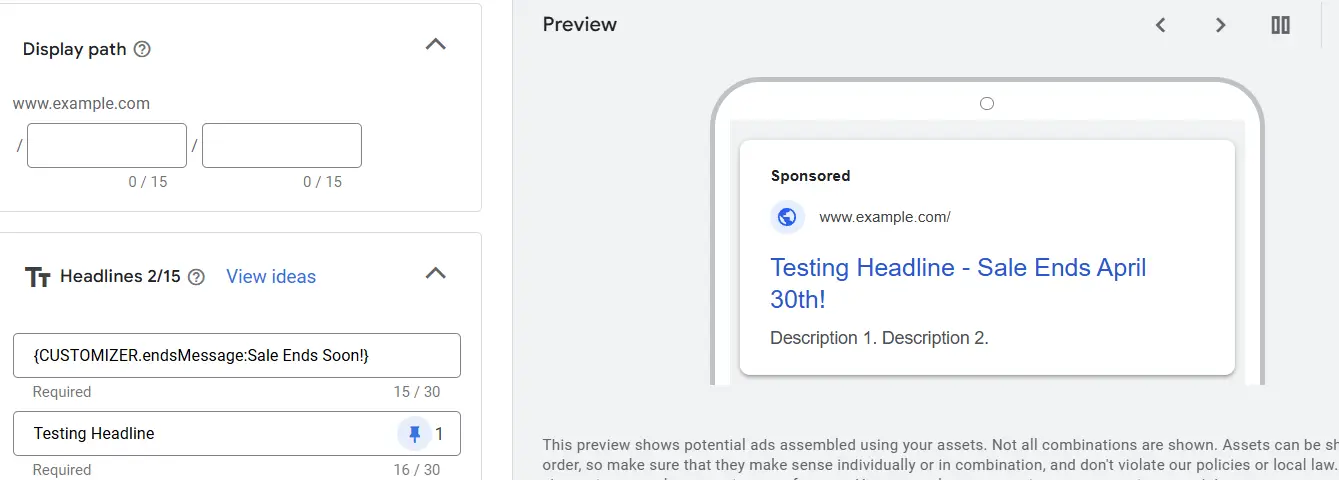
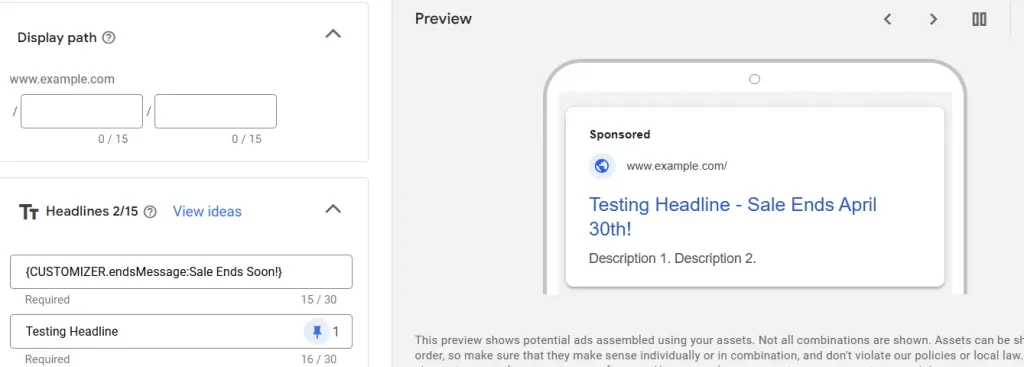
The client wanted this verbiage in their ad copy to automatically update on the 1st and 16th.
Challenge accepted. We figured it would be an easy task.
We quickly got reacclimated with ad customizers and got to work.
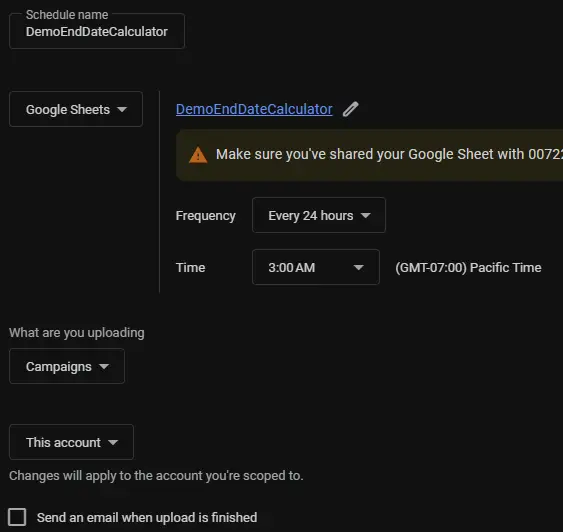
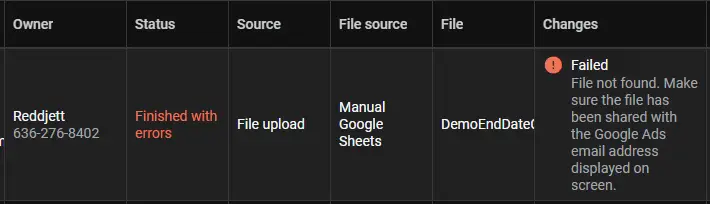
Except nothing was working. We want to provide you with updated information so you can tackle this project without errors and bad information. We’ll talk more about the challenges after we show you how we did it.
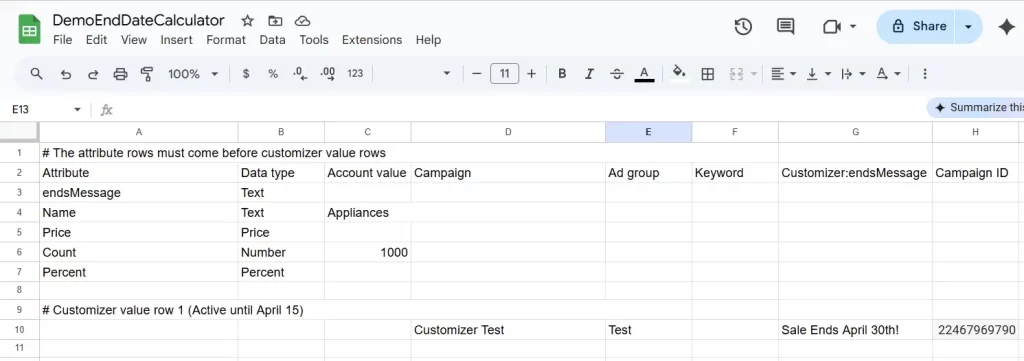
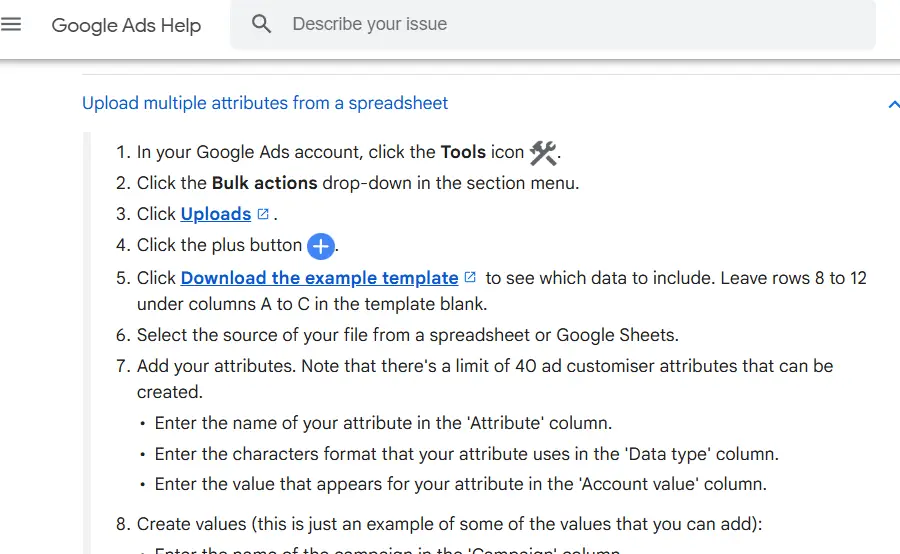
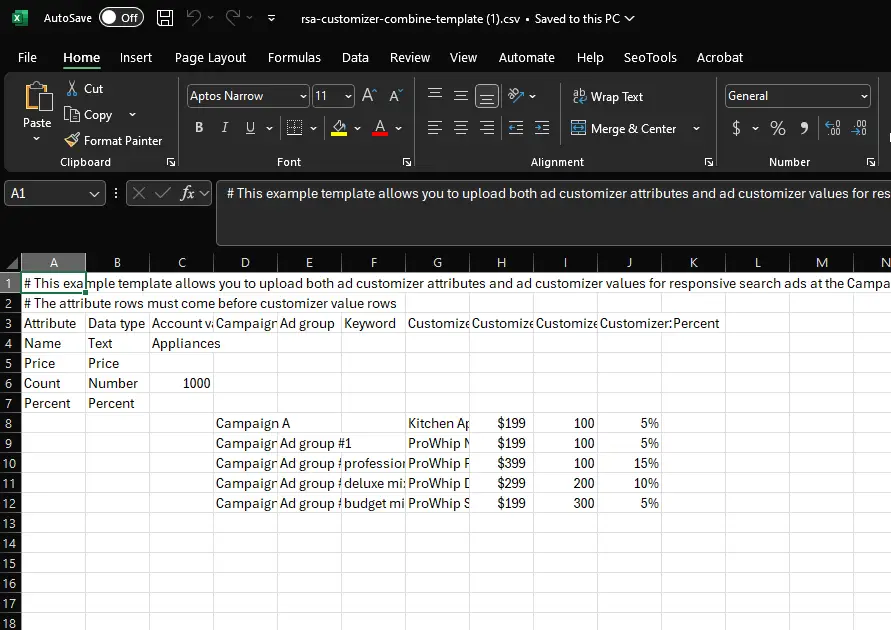
Step 1 – Download the CSV Template here:
https://www.gstatic.com/adextensions/rsa-customizer-combine-template.csv
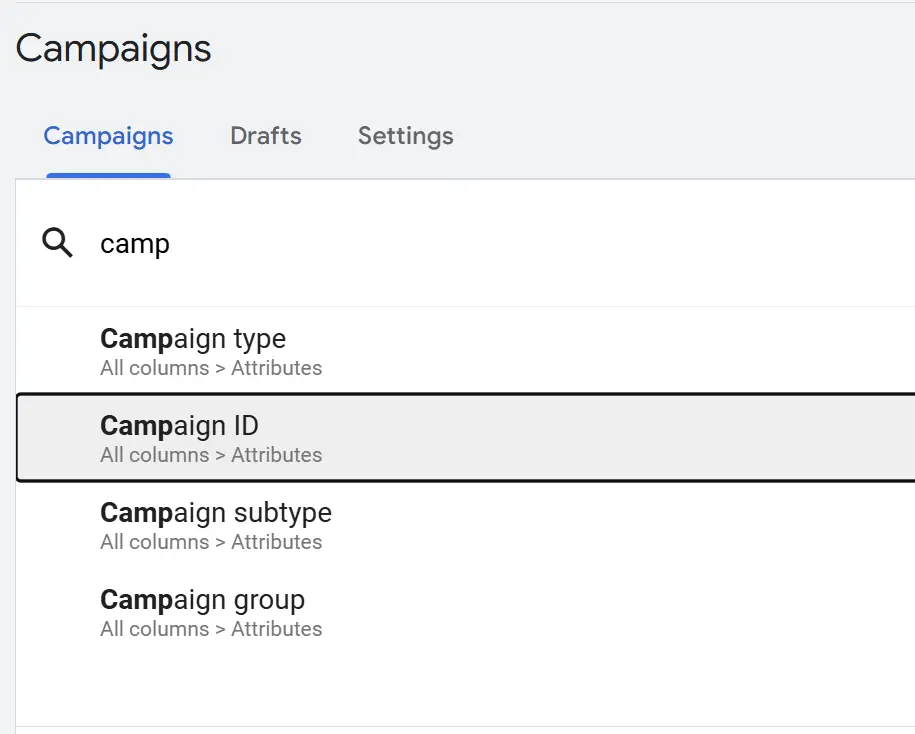
Step 2 – Open your Google Ads account and find the Campaign ID where your customizer will run.
Click Custom Columns above the report. Search for Campaign ID and add it to your report. Save. Now copy the campaign IDs for any campaigns you want to apply the customizer.